An idea. A mark. Your brand.
Create custom icon marks and typography wordmarks with AI on iPhone and iPad, preview them on hats, bags, T-shirts, and mugs, and export HD PNG, transparent PNG, SVG, PDF, or EPS files.
Download on the App StoreFree download with 1 free first AI logo generation. Additional generations require a subscription.
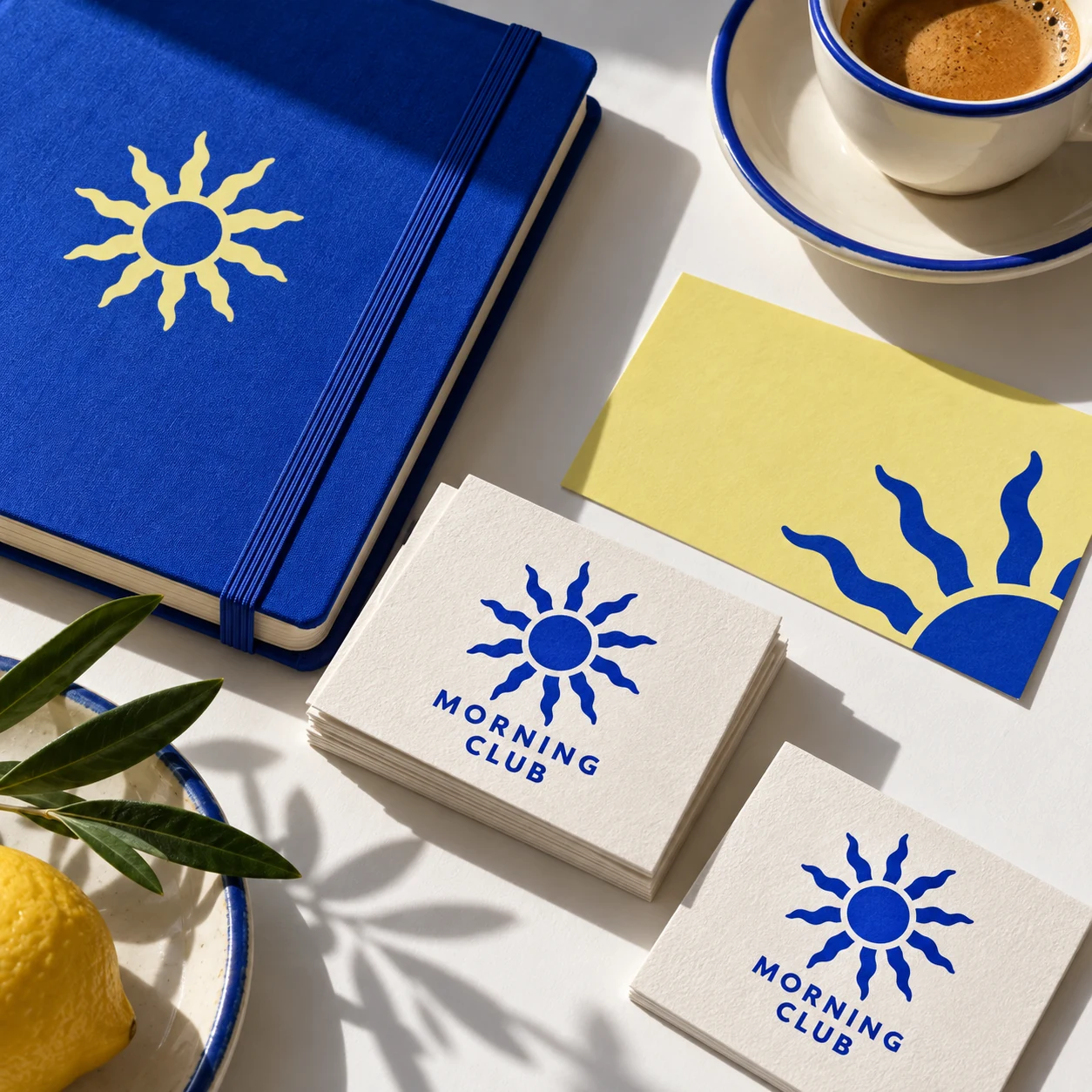
From a brief to a direction.
Pick Dream Logo or Text Logo, choose from 13 design styles, preview mockups, and export ready-to-share files.
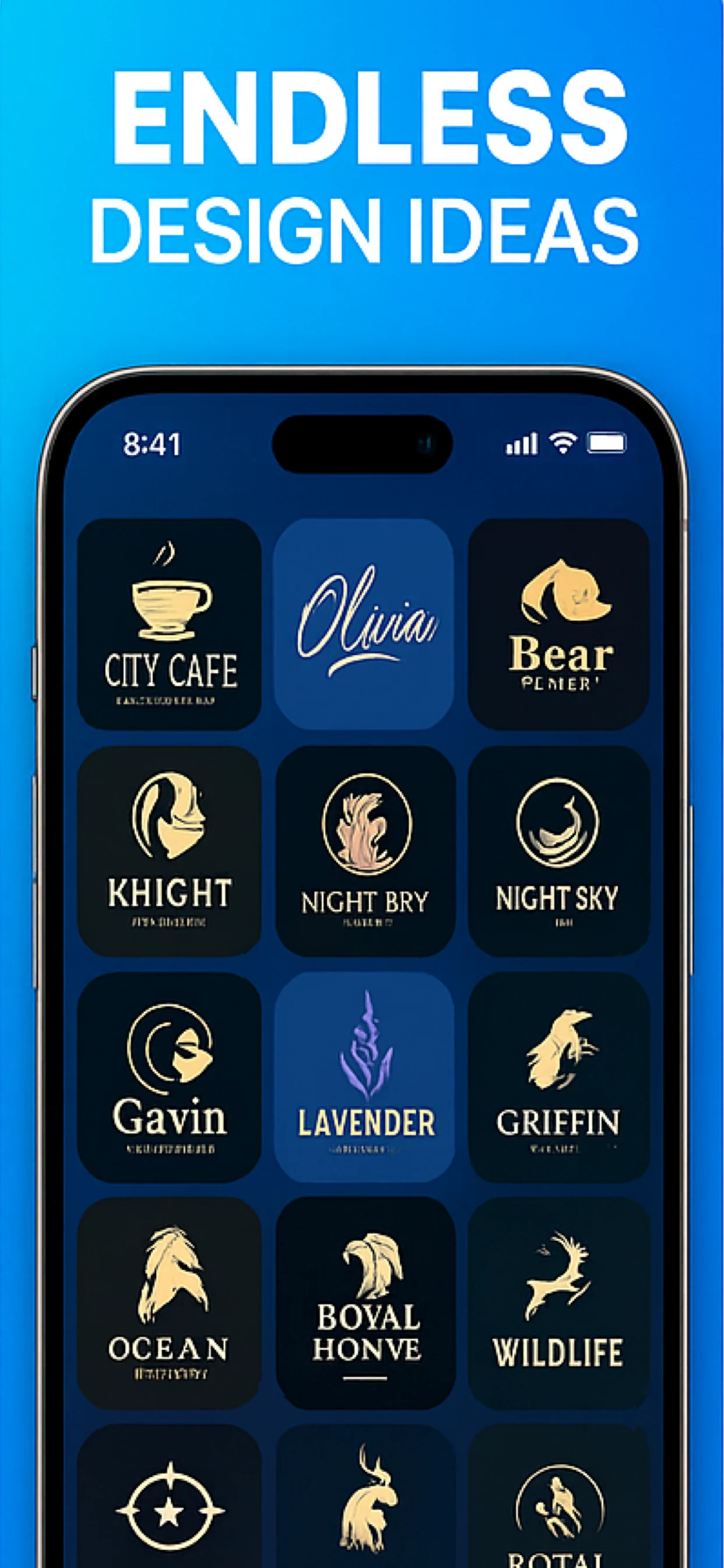
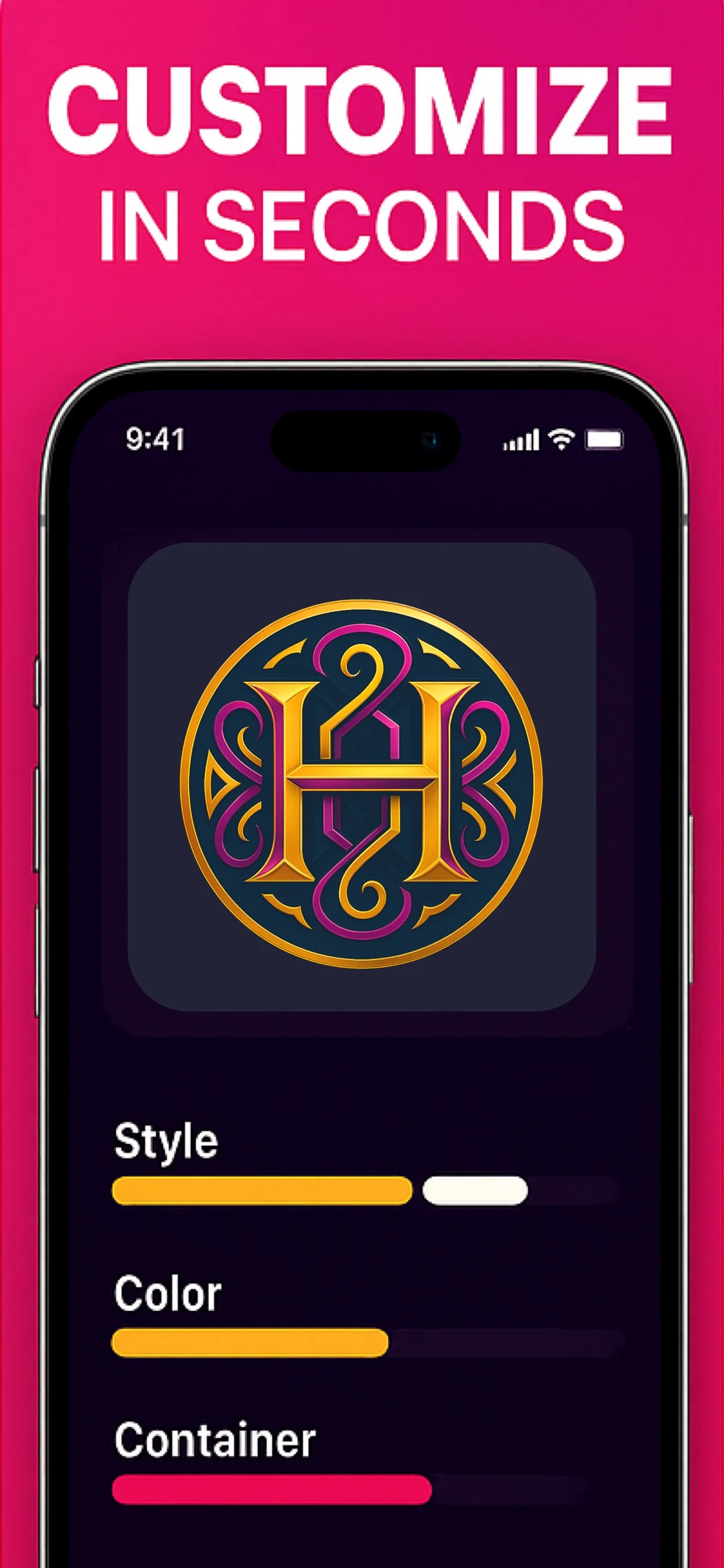
Start with what makes your brand yours.
Choose Dream or Text mode
Use Dream Logo for symbol and icon marks, or Text Logo to generate custom typography around your exact brand name.
Pick a style and generate 2 concepts
Choose from 13 curated presets—from Minimalist and Modern to Mascot, Retro, Luxury, and Handwritten—and review 2 AI concepts side by side.
Preview mockups and export
Check your logo on a hat, tote bag, T-shirt, and cup, generate Variations if needed, then save HD PNG, transparent PNG, SVG, PDF, or EPS.
Current App Store artwork. Options may vary.
A good brief gives an idea direction.
Start with a short brand name, one clear visual subject, and a single style preset.
Explore the design guidesMake room for your next idea.
Before your first draft.
Need help? Visit Support or Product Facts.
How can I start a logo idea in Logo Maker?
Open Logo Maker: AI Design Lab on iPhone or iPad, choose Dream Logo (for symbols and icons) or Text Logo (for brand-name wordmarks), write a short brief, and select one of 13 design styles. Each run generates 2 square concepts that you can save to Favorites, inspect on mockups, or iterate with Variation.
Does Logo Maker include a free trial or in-app purchases?
Logo Maker is free to download and includes 1 free first AI logo generation (2 square concepts, mockup previews, and export) in v1.1.0 so you can try the app before subscribing. Additional generations and Variations require an active subscription plan (Basic, Plus, or Pro tiers with weekly, monthly, or yearly billing). Daily generation limits and regional prices are shown in the app before you subscribe.
Can I design logos on this website?
No. All AI logo generation, mockup previews, and file exports run inside the Logo Maker iOS and iPadOS app with an internet connection. This website provides verified product facts, practical guides, and support.
About Logo Maker: AI Design Lab
Create custom icon marks and typography wordmarks with AI on iPhone and iPad, preview them on hats, bags, T-shirts, and mugs, and export HD PNG, transparent PNG, SVG, PDF, or EPS files.
- App name
- Logo Maker: AI Design Lab
- Platform
- iPhone (iOS 17.0+) · iPad (iPadOS 17.0+)
- Modes & styles
- Dream Logo (symbols) & Text Logo (wordmarks) · 13 styles · 2 concepts/run
- Export formats
- HD PNG, transparent PNG (Photos), plus SVG, PDF & EPS files (raster-wrapped)
- Mockup previews
- Hat, tote bag, T-shirt & cup previews on the result screen
- Creation & internet
- In-app only (iPhone & iPad) · Internet required · Local History
- App Store seller
- 颖 周
- App Store ID
- 6745239919
- Website checked
- 2026-11-25
Official App Store listing · Verified product facts & FAQ
Frequently asked questions about Logo Maker
Can I create both symbol logos and brand-name wordmarks on iPhone or iPad?
Yes. Logo Maker: AI Design Lab offers Dream Logo mode for icon, emblem, and mascot marks and Text Logo mode for typography centered on your exact brand name across 13 design styles on iPhone and iPad (iOS 17.0+). Each run generates 2 square concepts, and you can create Variations or save favorites in History.
What file formats can Logo Maker export, and are SVG or EPS files editable vectors?
Logo Maker exports 5 options: HD PNG (upscaled with a white background) and transparent background-removed PNG saved to Photos, plus SVG, PDF, and EPS files shared via the iOS Share Sheet or Files. Note that SVG, PDF, and EPS wrap the high-resolution raster logo for easy handoff rather than tracing editable Bezier vector paths.
Can I preview my AI logo on T-shirts, mugs, hats, and tote bags?
Yes. On the result screen, Logo Maker automatically shows live mockup previews of your selected logo on a hat, tote bag, T-shirt, and cup, and you can tap any mockup for a full-screen preview before exporting.
Does AI logo generation work offline or on this website?
No. AI logo generation and Variations require an active internet connection and run only inside the Logo Maker iOS and iPadOS app—not on this website. Generated logos and favorites are stored locally in History on your device.
Can I try Logo Maker for free before subscribing?
Yes. Logo Maker is free to download and includes 1 free first AI logo generation (2 square concepts, mockup previews, and export; one-time allowance). Additional generations and Variations require an active subscription (Basic, Plus, or Pro; weekly, monthly, or yearly). Daily limits and local prices appear in-app before purchase; manage or cancel anytime in iOS Settings > Apple Account > Subscriptions.
How do I get accurate text spelling and cleaner logo designs?
Use Text Logo mode for brand names, keep names short (1–2 words or initials), and pick one compatible style preset instead of mixing conflicting moods. AI lettering can still need refinement—check spelling and small-size legibility carefully and tap Variation to explore alternatives.